

The Hippodrome Online Casino has an Android app, so you can play from an Android phone without going through a browser. The app is one of three ways to play on a phone, alongside the iPhone app and the mobile site. This page explains what the Android app offers, how to install it and what to check before you start.
What you can do on an Android phone
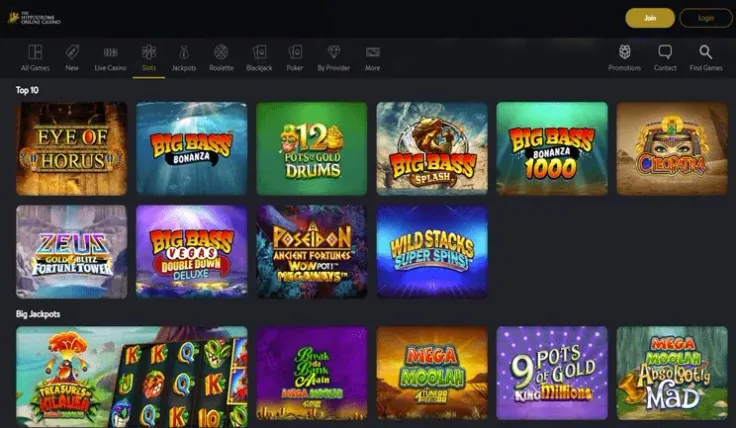
On a phone you can play in three ways: the Android app, the iOS app or the mobile site. The mobile site runs in your browser and needs no download, so it is the simplest choice if you do not want to install anything. You can read more about it on the mobile version page.
The main difference from the desktop site is the screen. The phone version is built for a smaller display, so menus and games are laid out to fit a finger rather than a mouse. If a game is hard to see in portrait mode, try landscape mode before you decide the game is not for you.
Before you use the app, check that your phone has enough free storage and a stable connection. A game that loads slowly on weak signal is not a fault in the account, and it is easier to play once you have a reliable connection.
How to install the Android app
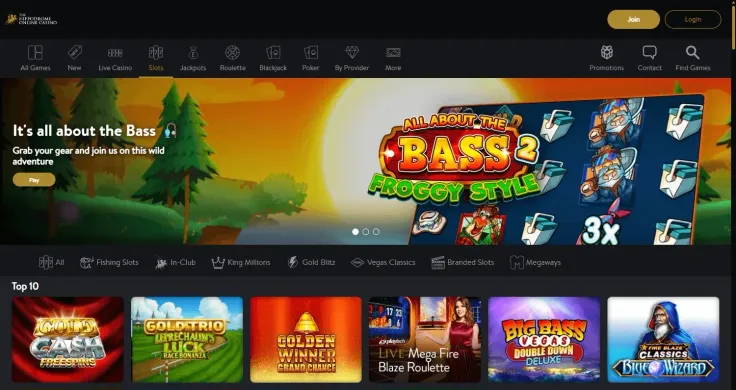
Start from the Android button on this page. It takes you to the casino's own website, where you can find the Android app and start the download. You can also reach the website directly through visit The Hippodrome Online Casino.
Once the file has downloaded, open it and follow the steps on your screen. Your phone may ask you to confirm the installation or allow installs from that source. Read each prompt before you accept it, and only continue if the source is the casino's own website or the button on this page.
When the app is installed, open it and log in. If you do not have an account yet, sign up first. If the app does not install on your phone, you can still play in the browser, which needs no installation at all.
Keeping your account safe on a phone

Protect your phone with a passcode, fingerprint or face unlock, and set the screen to lock after a short time. Do not share the phone with other people, and do not leave your account logged in on a device that others can use. If someone else needs to use the phone, log out first.
Mobile data is used every time you play, and a game may use more data than you expect. If you are on a limited plan or roaming abroad, play on Wi-Fi where you can. Keep the app updated through the same source you installed it from, so you always have the latest version.
Use the account controls to manage how much and how long you play. In the UK, every licensed operator must offer deposit limits, time-outs and self-exclusion, and you can read about them on the safer gambling page. If you want to block all UK-licensed online casinos, register with GAMSTOP. GamCare runs the National Gambling Helpline if you want to talk to someone.