

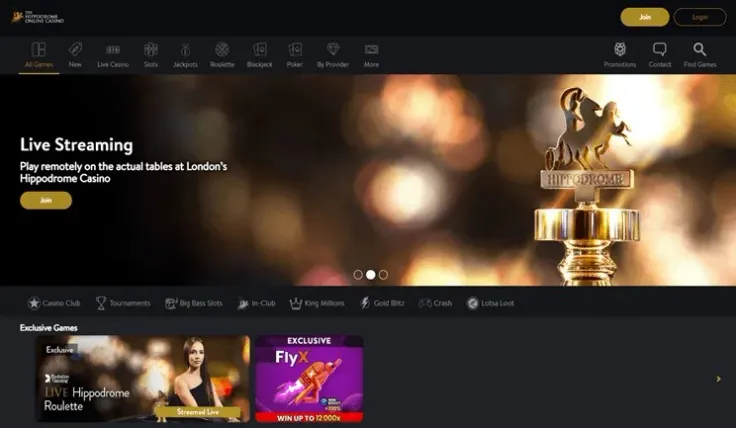
The Hippodrome Online Casino mobile works in your phone's browser, so you can play without downloading anything. The mobile site is available on both iPhone and Android, and you reach it by opening the casino's website in the browser you already use.
The Hippodrome Online Casino also has a native iPhone app and a native Android app. This page focuses on the browser version, which is the quickest way to start, and points you to the app pages if you would rather have an icon on your phone. If you are new, sign up first. If you already have an account, log in from the same browser.
What you can do on a phone
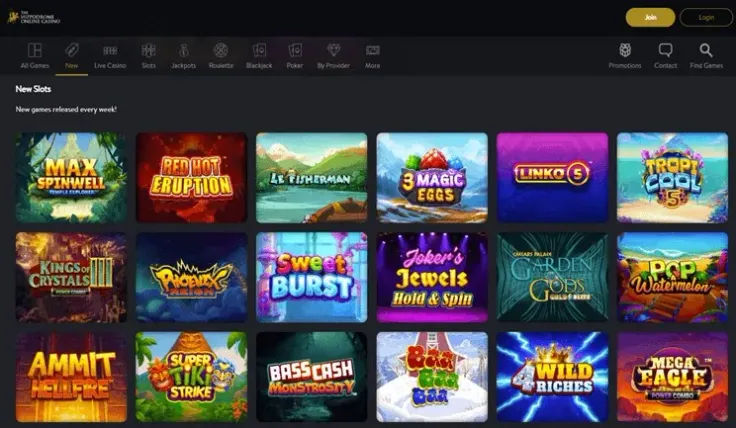
The mobile site is the casino made to fit a phone screen. You log in, or register if you are new, and play from the browser on either iPhone or Android. There is no installation, so it uses no storage beyond the browser itself, and it suits you if you only play now and then.
Compared with a desktop, the main difference is how you interact. You tap instead of click, and the screen is smaller, so you see less of a game's information at once. Before you start a game, take a moment to open its paytable and rules. This is where you find how the game pays, what the features do and what the volatility is. On a small screen these panels are easy to skip, but they are the only reliable way to understand what a round will do.
Some rules apply to online slots whatever device you use. Slots have a minimum spin time and a maximum stake per spin, and the stake limit is lower for players aged under 25. These are Gambling Commission rules for UK players, so a phone gives you no different limits. Features such as autoplay are not part of UK online slots, so do not expect them on the mobile site or in an app.
A few general points apply to playing on a phone rather than at a desk:
- Hold the phone steady and check the stake before every spin. A mis-tap is easier to make on a touch screen.
- Keep your browser up to date, so that pages and games load properly.
- If a game fails to load, close it and reopen it from the casino's own site rather than from a search result or shared link.
- Notifications and other apps can interrupt a round, so consider silencing them while you play.
If you want a particular game or feature, check that it is offered on the device you are using before you deposit. You can browse the slots and games pages on this site to see what the casino offers.
Apps for iPhone and Android
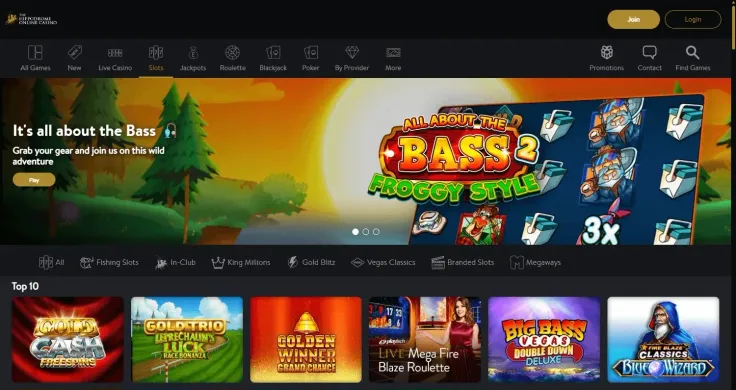
You do not need an app to play, because the browser version covers everything above. But The Hippodrome Online Casino does have an iPhone app and an Android app, so you can pick whichever route suits you. The app overview explains both, and there are separate pages for the iPhone app and the Android app.
To install the iPhone app, search for it in the App Store on your iPhone or follow the route from the iPhone app page. On Android, use the store that comes with your phone. Install only from that store, not from a file you were sent, a link in a message or a website you do not recognise. A casino app should never ask you to switch off your phone's security settings, so leave any page that does.
If you are unsure you have the right app, open the casino's website and follow the route from there. That is safer than searching and picking the first result, because lookalike listings exist for many brands. Check the publisher name before you install, and read the permissions the app asks for.
Whichever you choose, the account is the same. You log in with your own details, and the browser version remains available if the app gives you trouble. If you only want quick access without installing anything, the Add to Home Screen option in your browser puts a shortcut on your phone.
If you change phones, reinstall the app from the store and log in again rather than copying files across from the old device.
Keeping your account secure on a phone

A phone is easy to lose and easy to hand to someone else, so the first protection is a screen lock. Use a passcode or a fingerprint or face check, set the phone to lock quickly, and never leave your casino account open on a device that others use. If you share a tablet or family phone, log out when you finish.
Passwords matter too. Choose one you do not use anywhere else, and be careful about letting a browser or phone save it if other people can pick up your device. Open the casino from a bookmark you set up yourself or through visit The Hippodrome Online Casino, and treat emails, texts or social media messages with a link to "your account" with suspicion.
On mobile data or Wi-Fi, a few habits help:
- Avoid public Wi-Fi when you log in or handle payment details, and use your mobile data connection or a network you trust instead.
- Games with video streams generally use more data than simple slots, so check your allowance if it is limited.
- Check your phone's own settings for screen time and notifications, and use them if they help you keep track of how long you play.
Inside the account, the control tools matter more than any phone setting. UK-licensed operators must offer deposit limits, time-outs and self-exclusion, and GAMSTOP covers all UK-licensed online casinos. Set limits before you start rather than after a session has gone badly, and see the safer gambling page for how the tools work. Gambling is entertainment that costs money, and a phone makes it easy to play in short bursts that add up, so it is worth checking your balance and time regularly.
If you ever feel play is becoming a problem, GamCare runs the National Gambling Helpline and offers support.